AI image generation

Vectorize images online — JPG/PNG → SVG

Upload a raster image — AI converts it into clean SVG with smooth curves. Ready for print, web, plotter and laser cutting.

Real examples

Online vectorization: raster → SVG with AI

Left: source PNG. Right: SVG after vectorization. In vectors you can easily recolor individual elements and fine-tune details in an editor.

How to get the cleanest and most editable SVG

Before vectorizing, we recommend removing the background first. This usually gives cleaner contours and fewer extra details. After conversion, you can fine-tune the SVG in an editor: adjust colors, line thickness, and individual elements in Figma or Adobe Illustrator.

01

1) Remove the background from the source image

02

2) Convert the image to SVG

03

3) Fine-tune colors and details in Figma/Illustrator

For demonstration, one selected element in each example changes color. After vectorization, you can similarly change the color of any individual SVG element.

Raster (PNG) 01
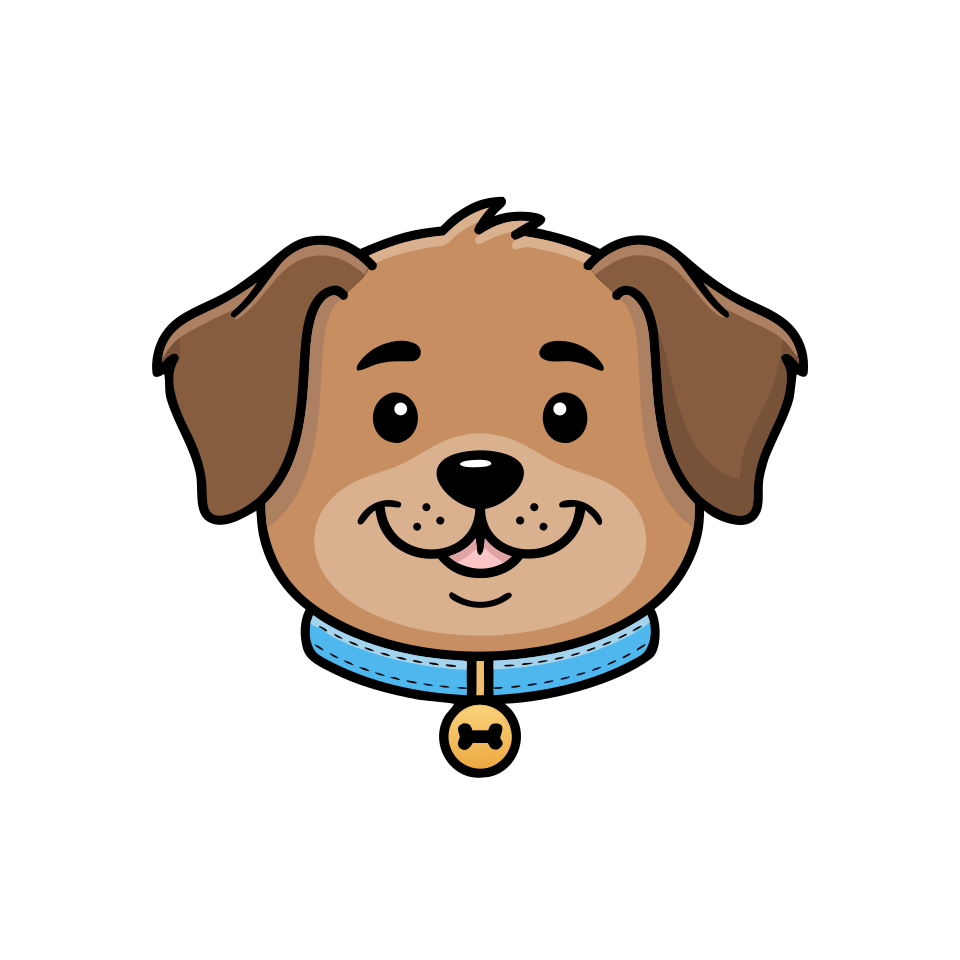
Clean vector-style dog portrait — raster PNG before online vectorization
Vector (SVG) SVG

Loading SVG…

Same portrait as SVG after vectorization: smooth outlines, scalable
Raster (PNG) 02
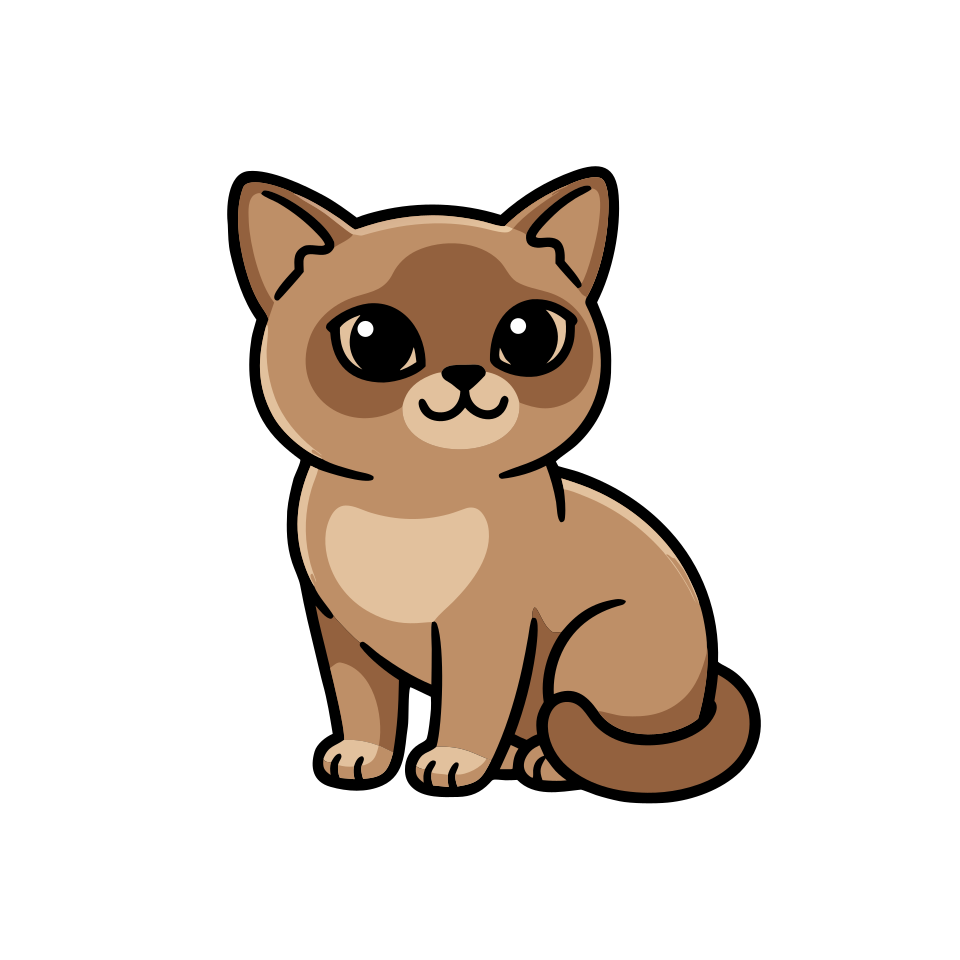
Cute minimalist kawaii-style cat character — raster PNG before SVG conversion
Vector (SVG) SVG

Loading SVG…

Vectorized cat SVG: flat design with outlines for web and print
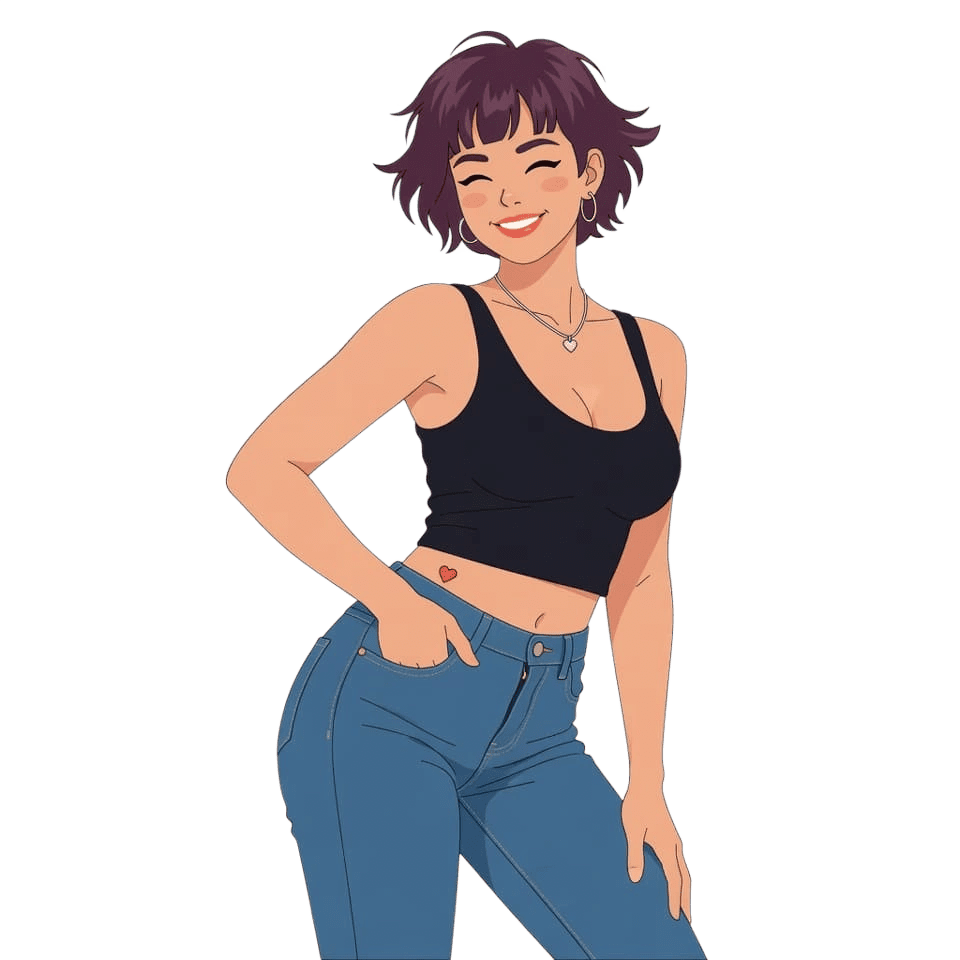
Raster (PNG) 03
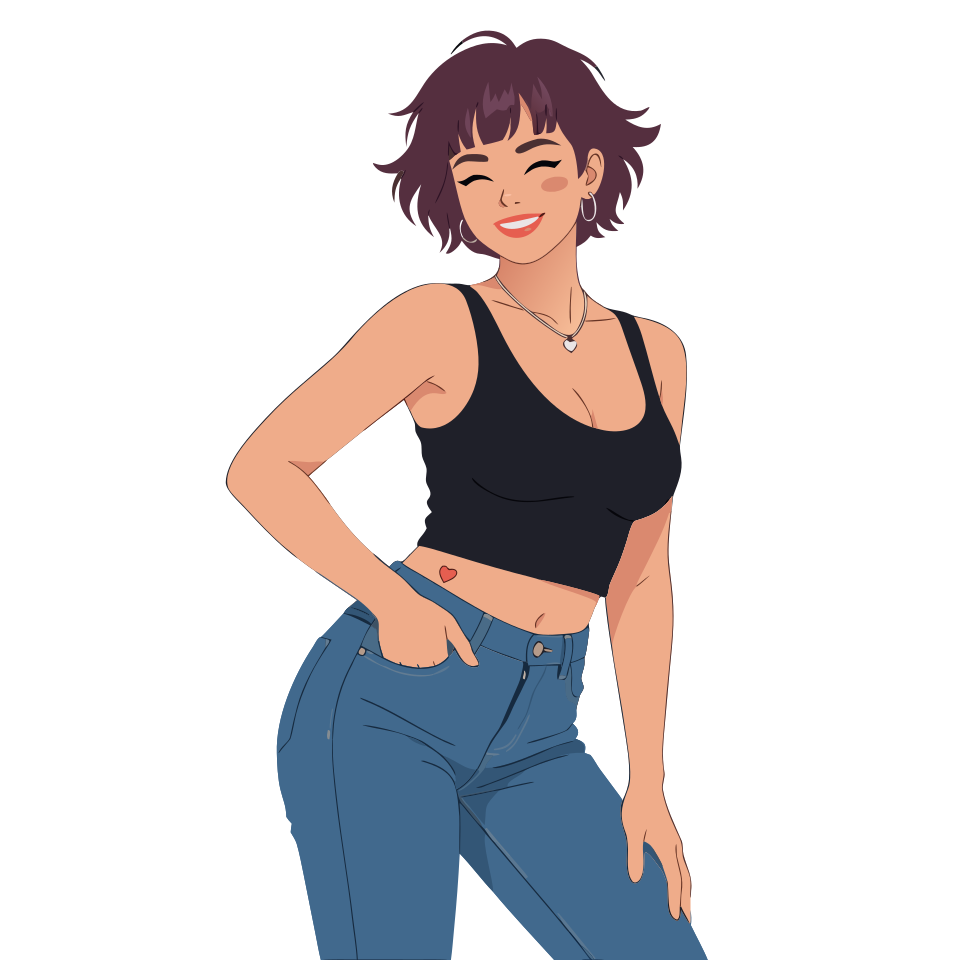
Friendly flat illustration of a woman with short hair — PNG raster before vectorization
Vector (SVG) SVG

Loading SVG…

Geometric SVG portrait after AI vectorization
Raster (PNG) 04
Flat coffee cup icon with clean lines — PNG before conversion to SVG
Vector (SVG) SVG

Loading SVG…

Coffee cup icon as SVG for UI and apps
Raster (PNG) 05
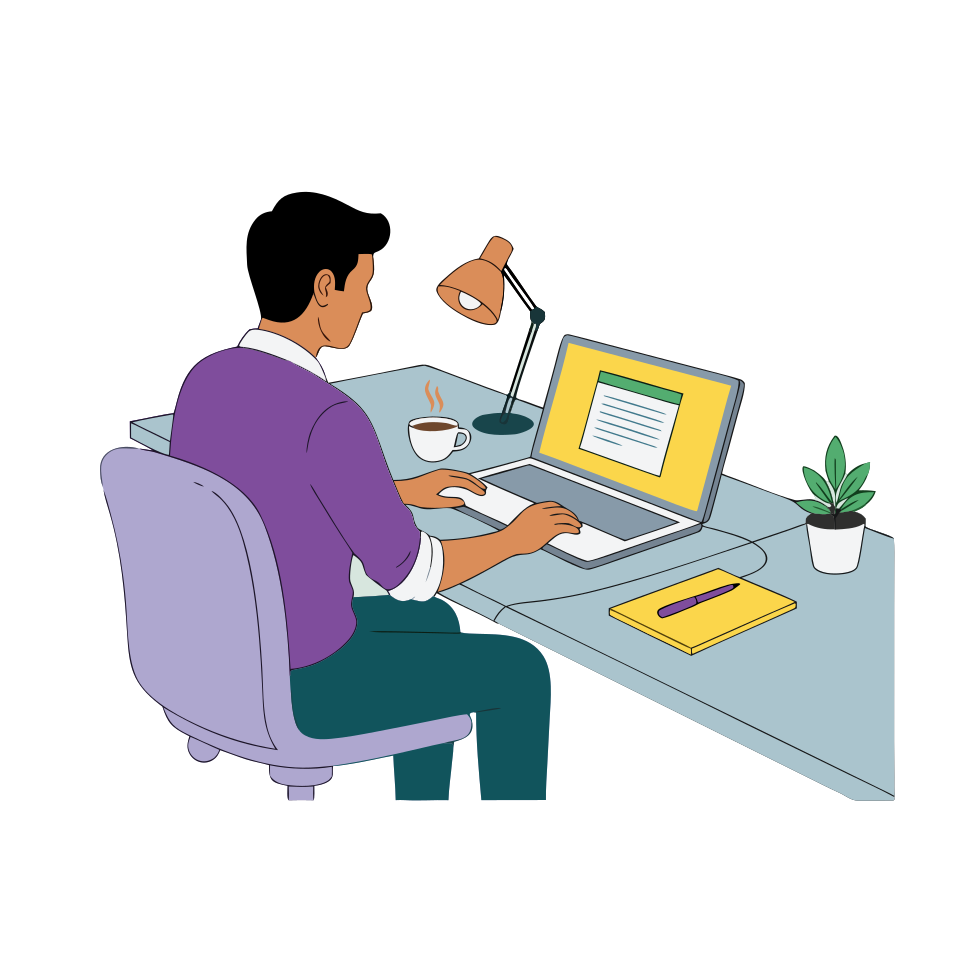
Flat vector illustration — source raster PNG before processing
Vector (SVG) SVG

Loading SVG…

Illustration as SVG after neural vectorization in creator-ai
Raster (PNG) 06
Potted monstera plant in simple flat style — PNG before online vectorization
Vector (SVG) SVG

Loading SVG…

Plant as SVG: vector output for stickers, logos or print
Raster (PNG) 07
Minimal geometric lightbulb icon — PNG before vector conversion
Vector (SVG) SVG

Loading SVG…

Lightbulb icon as SVG after vectorization: sharp curves at any scale

Vectorization — without a graphic editor

Clean SVG, transparent background, export in seconds. Great for logos, icons, illustrations and stickers.

Clean curves

AI detects edges and turns pixels into smooth vector curves with no noise or artifacts.

Transparent background

Automatic subject cutout — the result already has a transparent background, ready for design and print.

SVG everywhere

Use the result for web, print, Cricut/Silhouette plotters and laser cutting — without losing quality.

Logos and icons

Perfect for converting old logos and icons into a modern scalable format.

Color and monochrome

Keep the original palette or convert to a monochrome SVG — depending on your task.

In seconds

No manual tracing — vectorization takes just a few seconds, no software install needed.

Frequently asked questions

Answers to common questions about image vectorization in creator-ai.

Vectorization is the conversion of a raster image (JPG, PNG) into a vector format (SVG), where the picture consists of curves rather than pixels. A vector image can be scaled without losing quality.
Input: JPG, PNG, WebP. Output: SVG. SVG opens in Figma, Illustrator, Inkscape, Cricut Design Space and any modern browser.
Yes. Vectorization is the standard way to convert an old raster logo into SVG so you can use it on a website, in print, on merchandise and banners.
The service automatically separates the subject from the background, so SVG usually comes with a transparent background — drop it on any color.
Yes. SVG is the standard format for Cricut, Silhouette, laser machines. After vectorization the file can be opened in Cricut Design Space, Silhouette Studio, LightBurn.
Generation is paid with credits. On first sign-in via social networks we grant a one-time bonus; after that — credit packages on the pricing page.
Yes. Per the terms of service, the resulting SVG can be used in advertising, marketplaces, social networks and personal branding.

See also: Remove background, ID photo, Stickers.