
Text to Image
Text-to-image AI — online image generator
Create photorealistic shots, anime, 3D and illustrations from a description in plain language. Up to 24 flagship models — Flux, Nano Banana, Imagen 4 Ultra, Grok Imagine and more. Results in seconds; welcome credits for new accounts.
from 3 ₽ per image
What you can generate from text
From photorealism to illustration — the service covers most visual tasks.
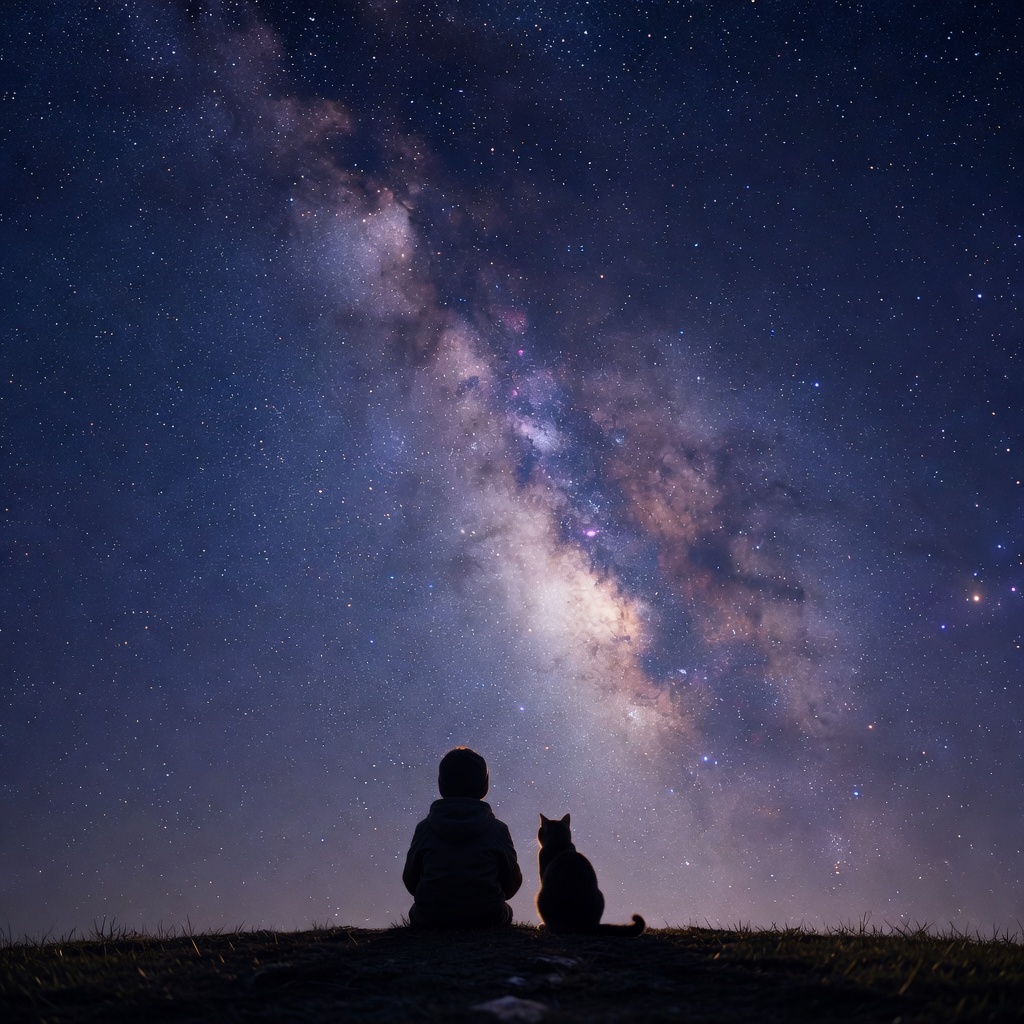
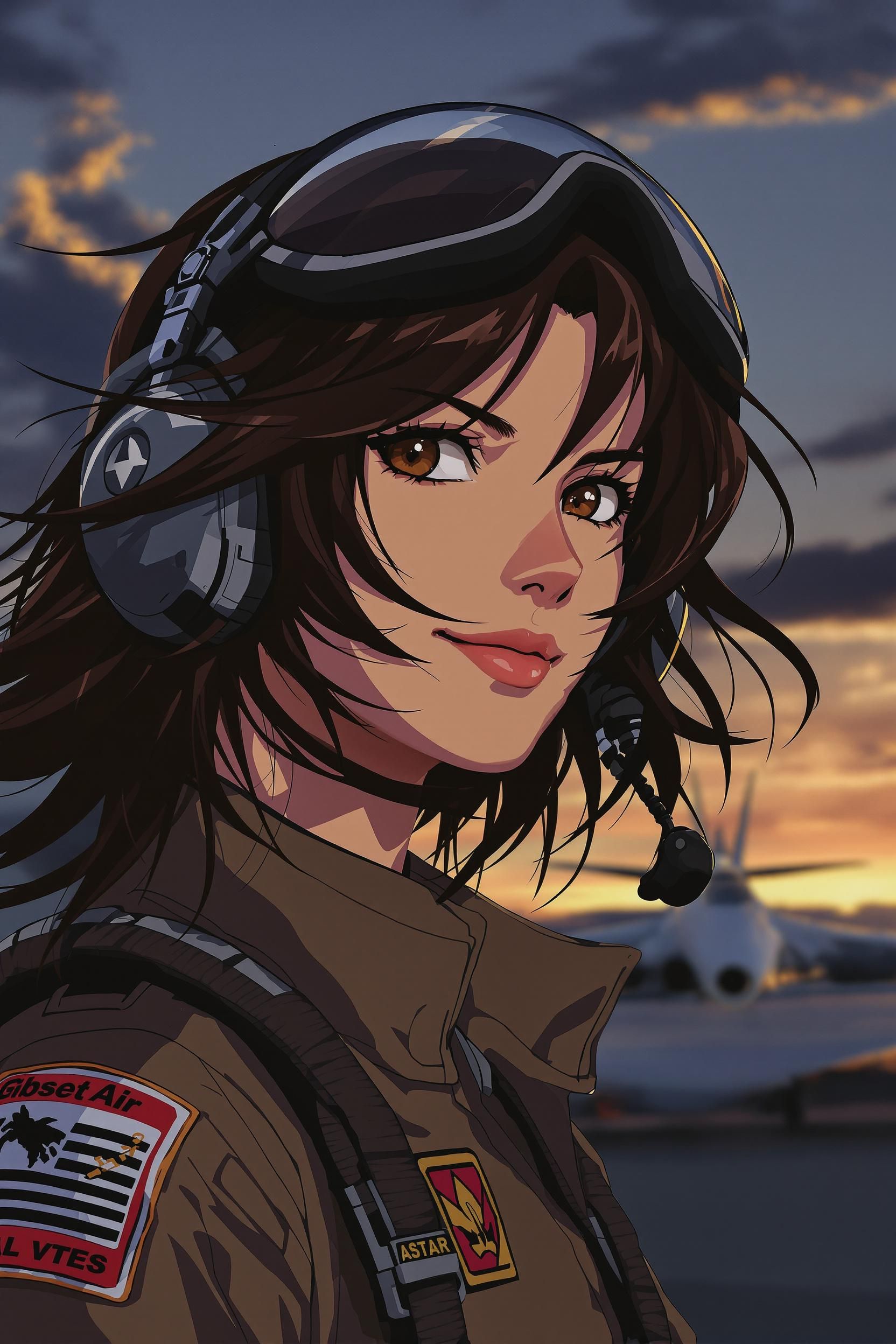
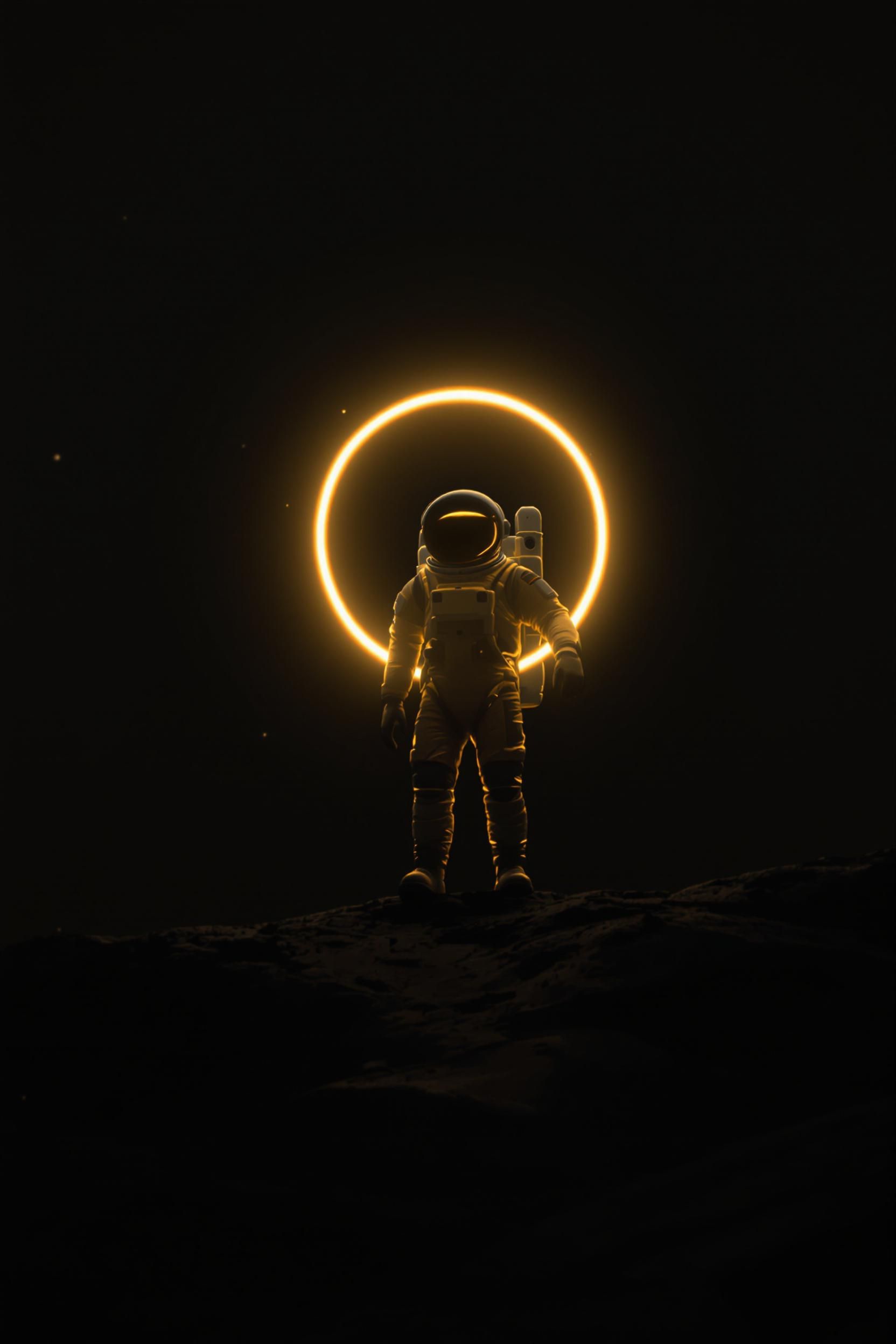
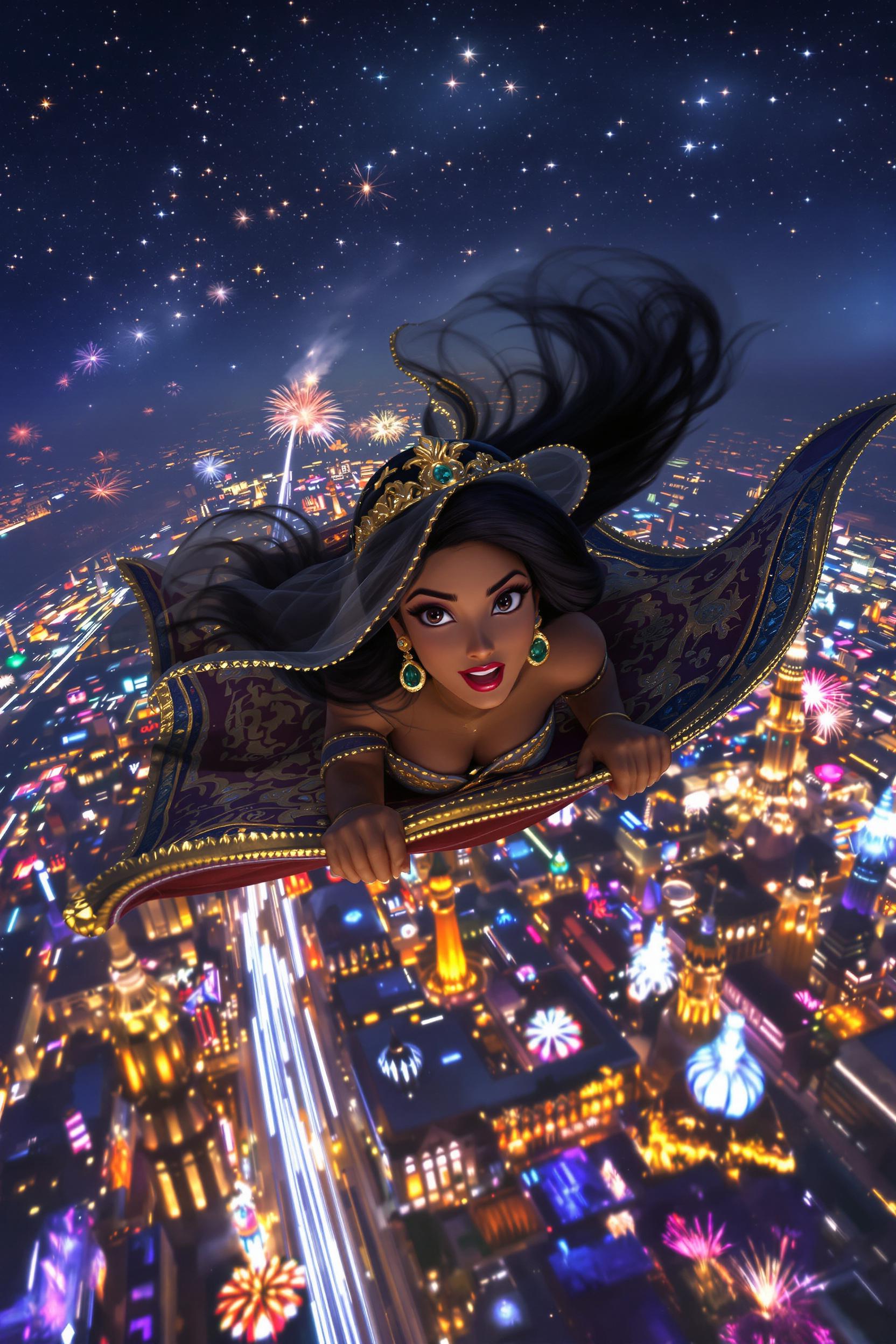
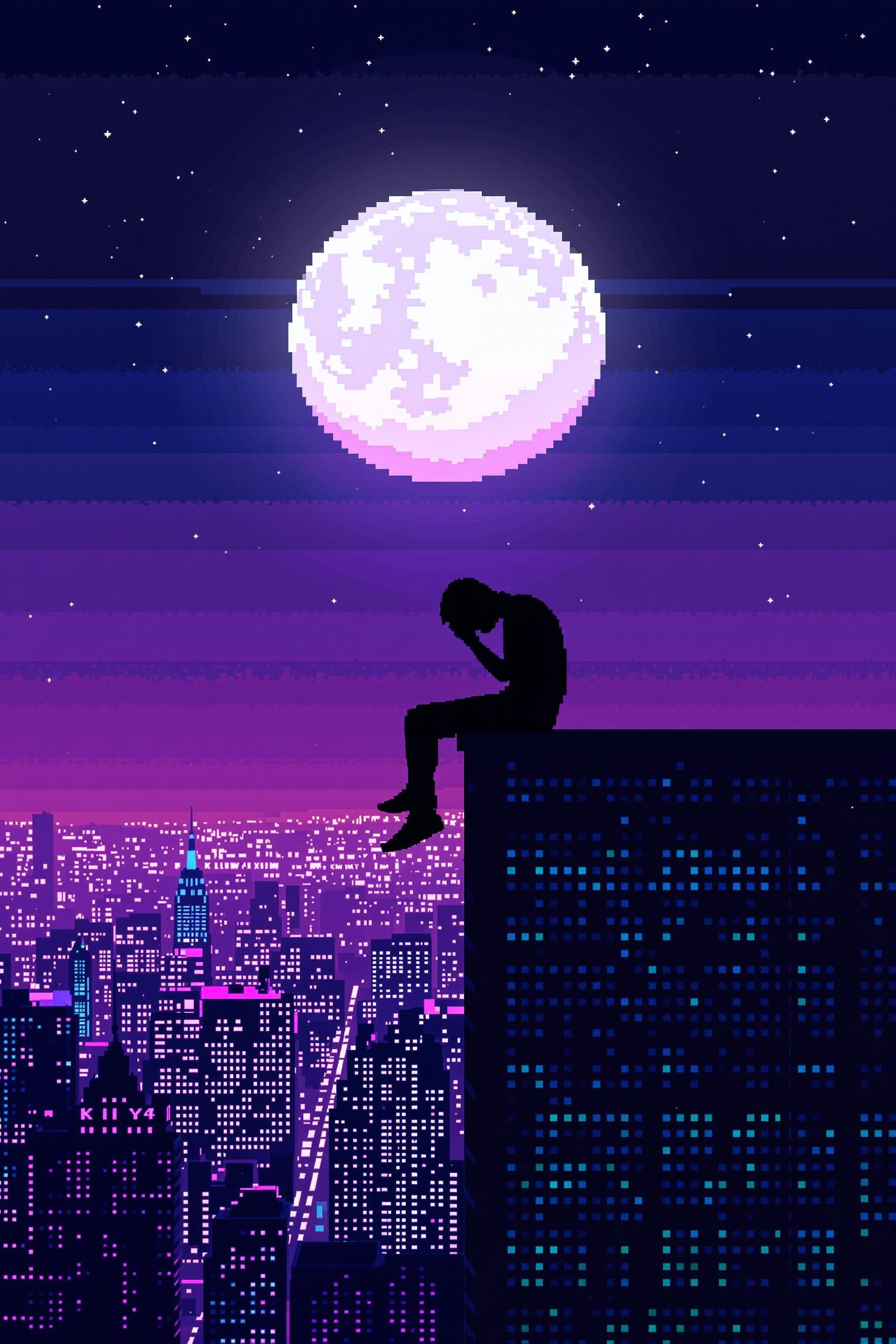
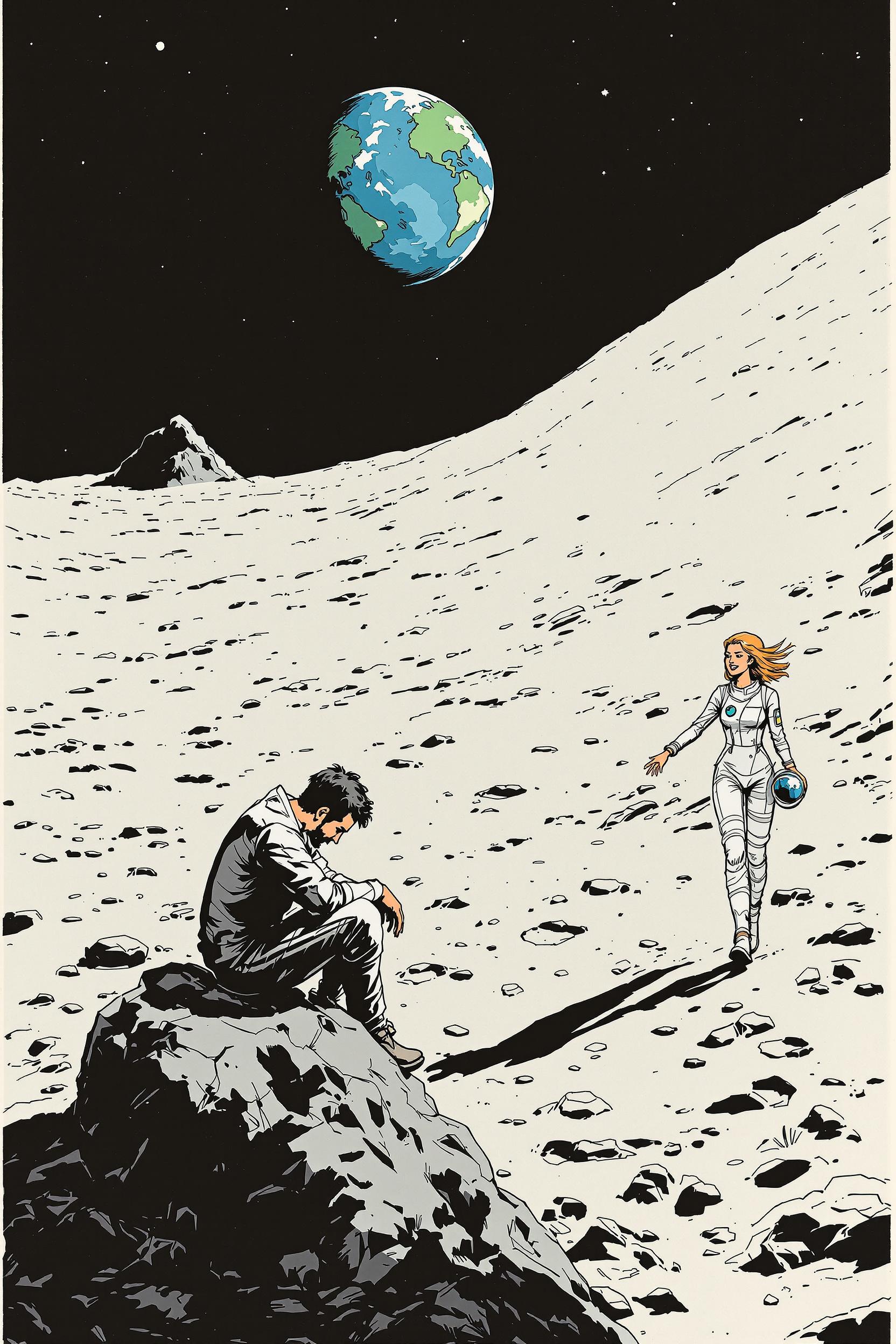
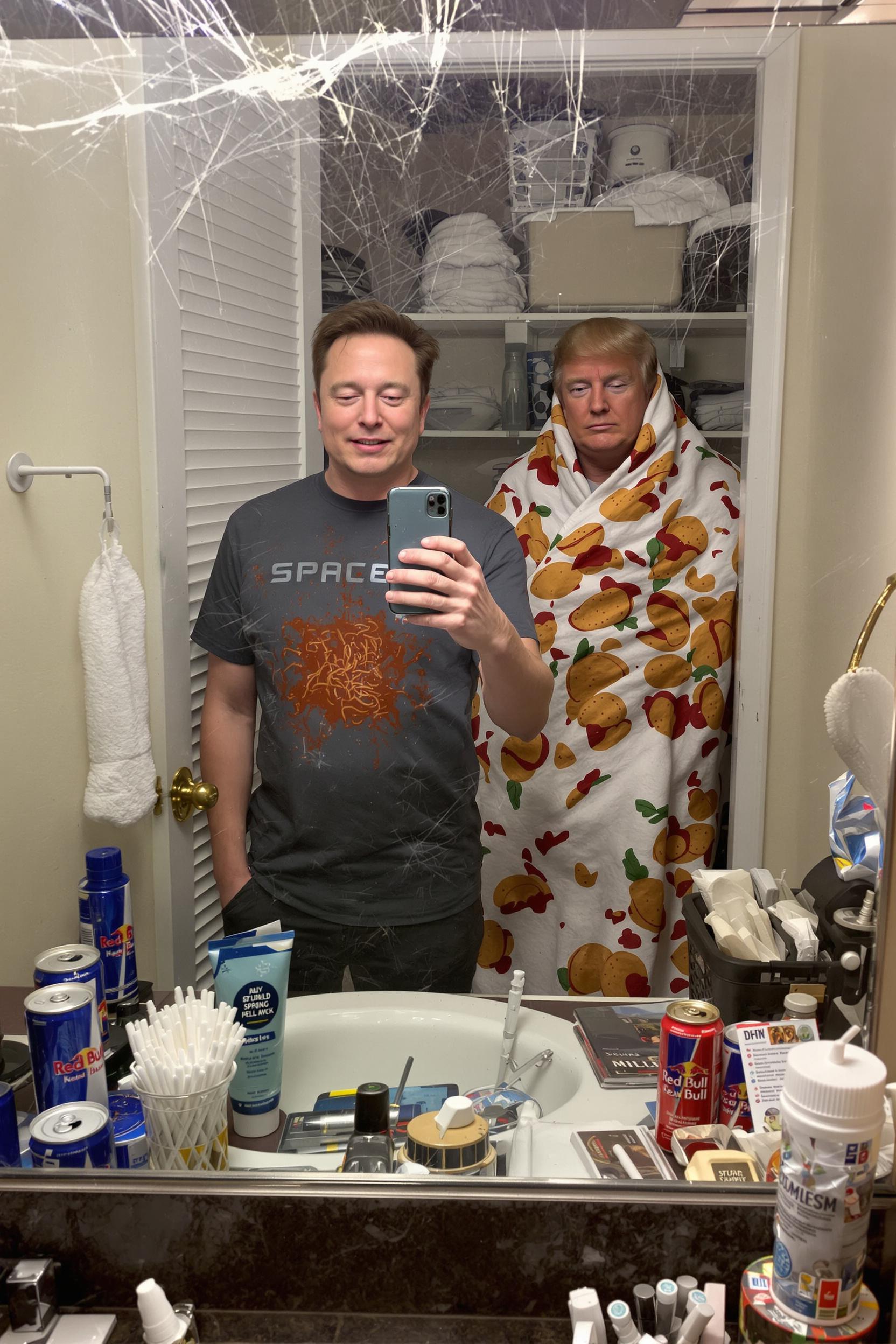
Best models for text-to-image generation
Pick the engine for your brief — each card links to a dedicated model page.
Инструкция
Как создать картинку с помощью нейросети онлайн бесплатно
Три шага в АИ Креатор (Creator-AI). Без скачивания программ и без подписки. Новым пользователям — 5 приветственных кредитов после входа через соцсети, этого хватает на 2-3 первые генерации.
-
1. Опишите идею текстом
Введите промпт: «киношный портрет на закате, 85mm, боке» или «минималистичный продукт на белом фоне». Чем точнее описание — тем ближе результат.
-
2. Выберите модель
В каталоге 24 нейросети: Flux, Nano Banana, Imagen 4 Ultra, Grok Imagine и другие. Под фотореализм, аниме, 3D, иллюстрации — у каждой свой стиль.
-
3. Получите изображение
ИИ сгенерирует картинку за 5-30 секунд. Скачайте, доработайте промпт или отправьте в Upscale для увеличения разрешения.
Картинки и видео
ИИ генератор картинок и видео в одном сервисе
АИ Креатор (Creator-AI) — не только генерация изображений по тексту. В том же кабинете доступны Text-to-Video, оживление фото и редактирование готовых картинок. Один баланс кредитов на все инструменты.
Картинки по описанию
Text-to-Image на 24 моделях: реализм, аниме, 3D, иллюстрации, концепт-арт. От короткого промпта до подробного брифа.
Видео из текста
Text-to-Video нейросетью: короткие ролики по описанию сцены. Подходит для соцсетей, превью, рекламы.
Оживить фото в видео
Photo-to-Video: загрузите готовое изображение — нейросеть добавит движение камеры и сцены.
Доработка готовых картинок
Удаление фона, удаление объектов, Upscale, векторизация и фото на документы — в том же интерфейсе.
Попробовать бесплатно
Создать изображение нейросетью бесплатно — приветственные кредиты
Чтобы попробовать АИ Креатор, не нужно вводить карту и проходить полноценную регистрацию — вход через соцсети занимает 5 секунд, и 5 приветственных кредитов начисляются автоматически. Этого хватает примерно на 5-7 генераций популярных моделей (например, Nano Banana).
-
Без карты и подписки
Никакой автоматической оплаты. Кредиты не сгорают, платите только за реальные генерации, и только когда захотите докупить пакет.
-
Вход через соцсети
Войдите через ВКонтакте, Яндекс или Google — 5 приветственных кредитов появятся на балансе сразу.
-
На русском языке
Промпты можно писать на русском — нейросети понимают. Интерфейс полностью на русском.
-
24 модели в одном кабинете
Не нужно регистрироваться в каждом сервисе отдельно — один аккаунт даёт доступ ко всем топ-моделям.
Why creator-ai
Fine control over the result
Control style, detail and composition: describe lighting, angle, color palette and even the mood in a single prompt.
Style & composition
Control style, detail and composition: describe lighting, angle, color palette and even the mood in a single prompt.
Speed
Ready presets and models — from prompt to result in seconds.
Quality
Top models for realistic, anime and graphic styles.
Production ready
Images suitable for social media, marketplaces, websites and presentations.
Prompt language
Russian and English. Short phrases and keywords give predictable results.
Reference image
You can upload an image and describe it in text — the AI uses it as a starting point.
Generation time
Usually 3–15 seconds depending on model and quality settings.
Commercial use
Yes, under the service terms — for ads, websites, social media and marketplaces.
Popular use cases
From quick drafts to production-ready frames.
Design & product
Mockups, cover explorations, character and environment concepts without hand-painting every variant.
Marketing & ads
Banners, campaign previews, landing visuals and fast A/B imagery.
Social & content
Posts, stories, thumbnails and bespoke illustrations for creators and brands.
FAQ
Frequently asked questions about text-to-image generation
Short answers about prompts, formats, commercial use and output quality.
Which language should I use for prompts?
Flux or Imagen 4 Ultra — which is better for photorealism?
How do I write a strong prompt in Russian?
Can I provide a reference image?
How long does generation take?
Will the result be unique?
Can I refine the result after generation?
Can I use the images commercially?
Do I need to register?
How do I get welcome credits?
What formats and resolutions are supported?
Does the service work on mobile?
What styles are supported?
How can I improve my prompt for better results?
Are prompts and images stored?
Describe the scene — get a finished image
Keep references in your head or in text and let the AI handle visualization. Great for ideas, prototyping and real production.