
Object removal
Remove objects from photos online
Paint over what you do not need — the model rebuilds the scene behind it. Great for product shots, street photos and social posts. Uses Bria Eraser inside creator-ai.
Real examples
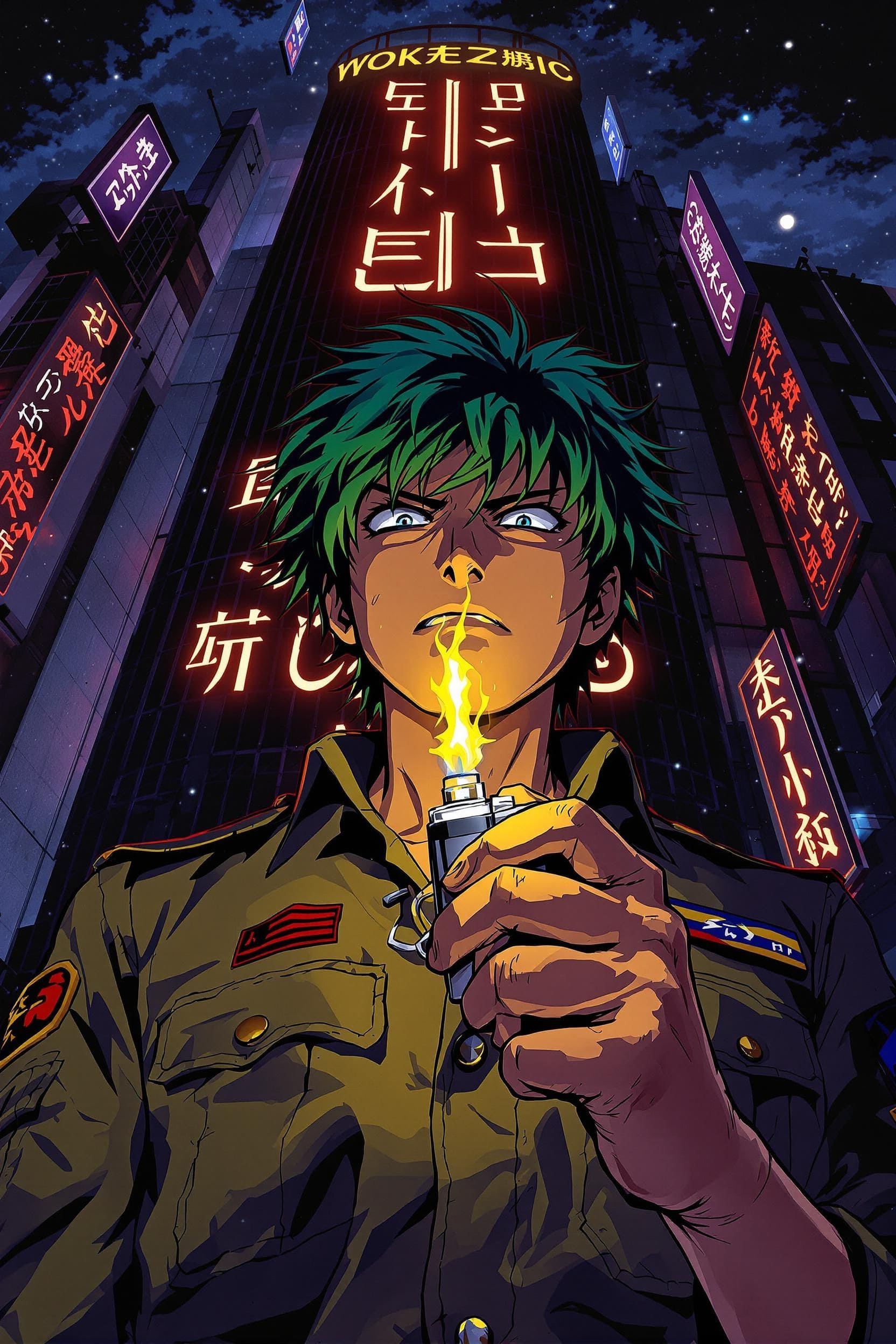
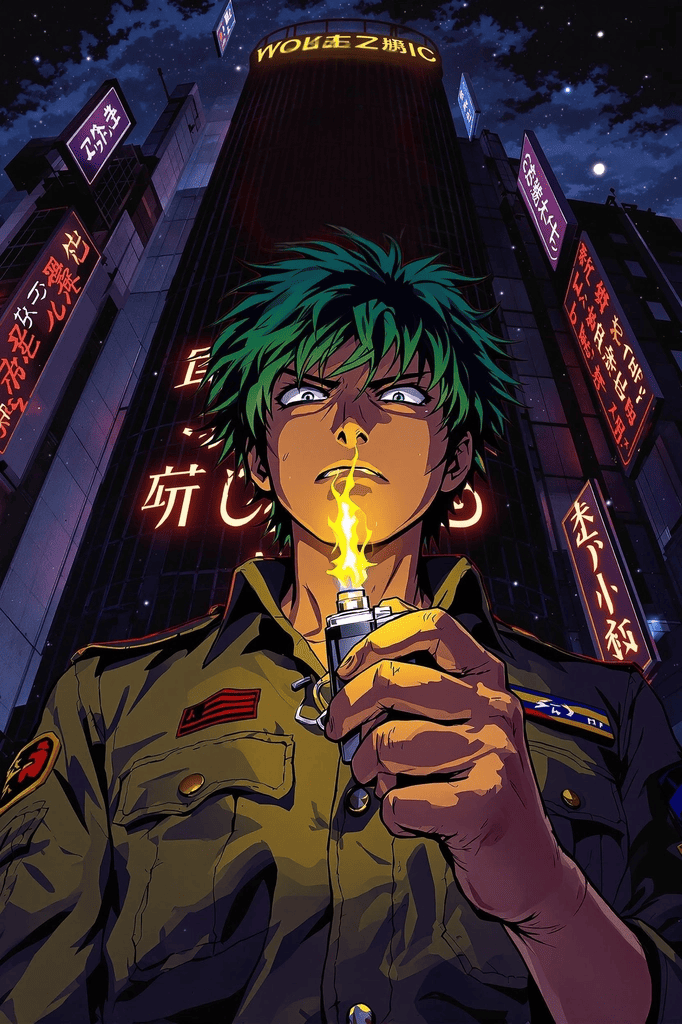
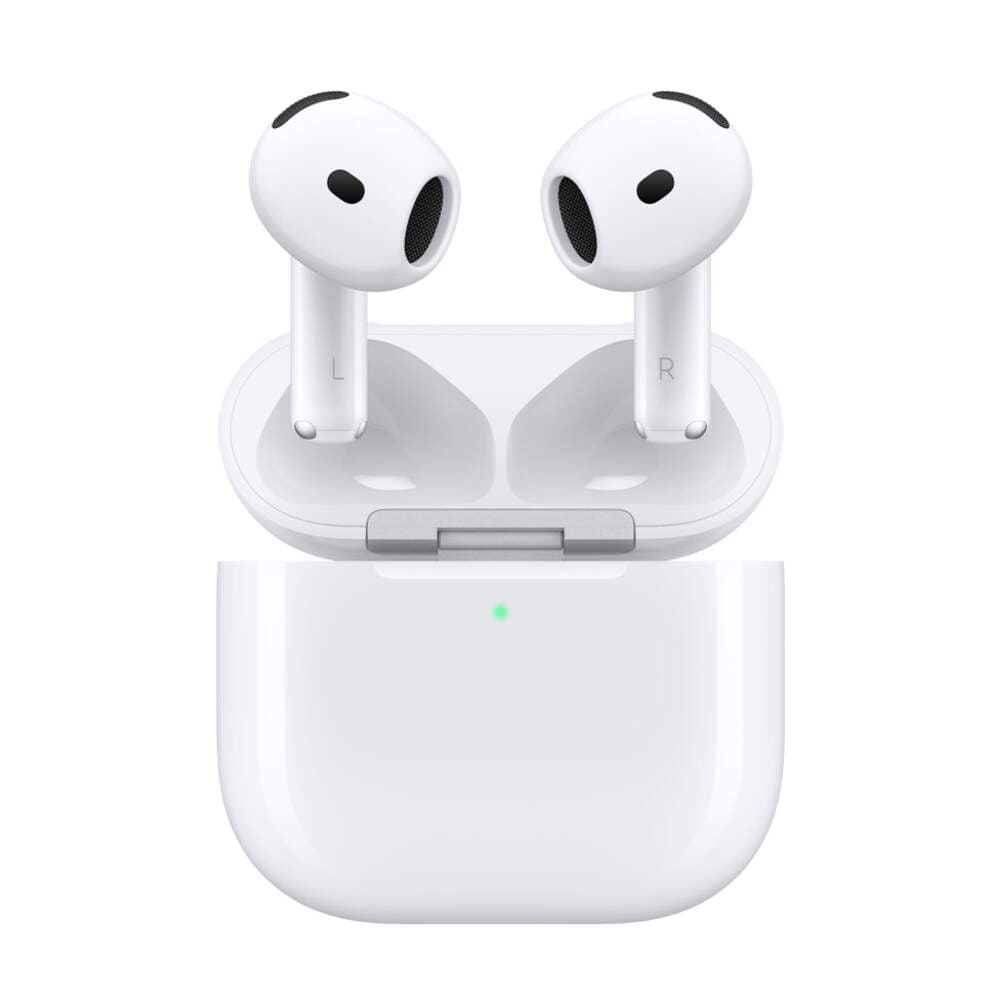
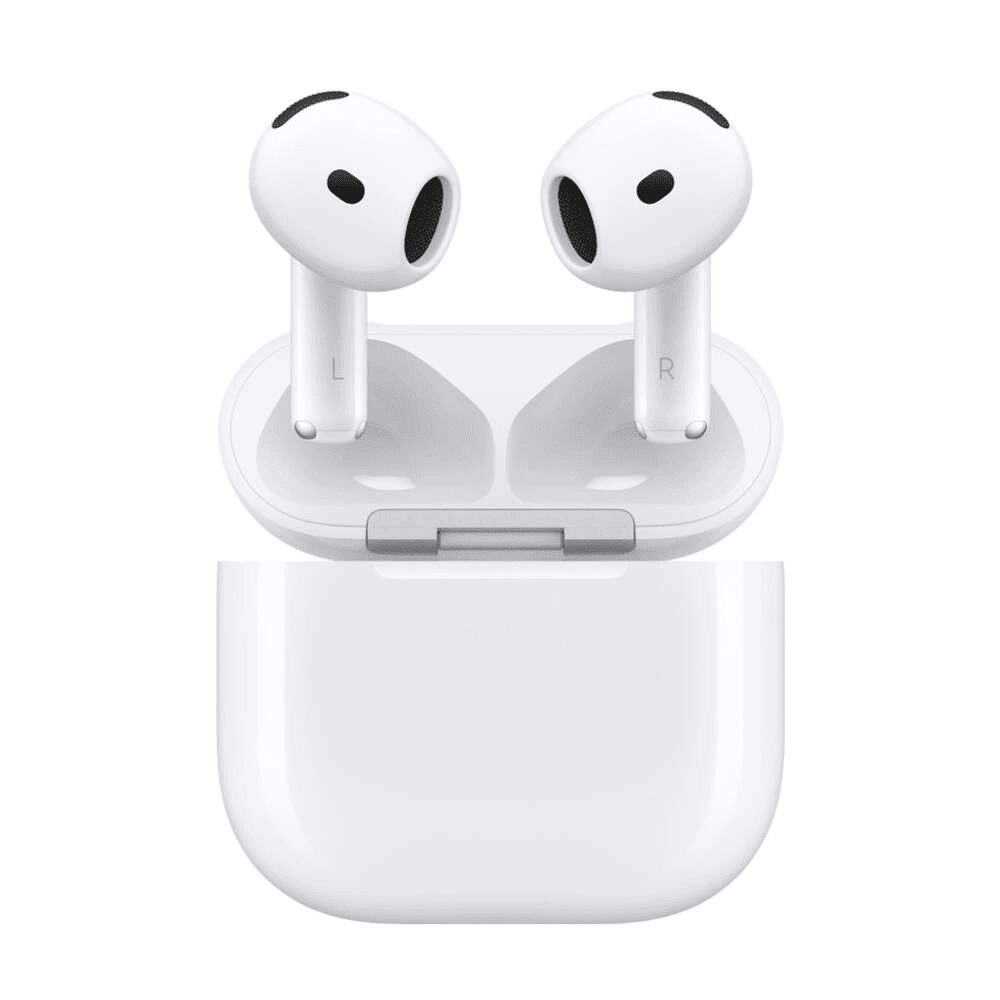
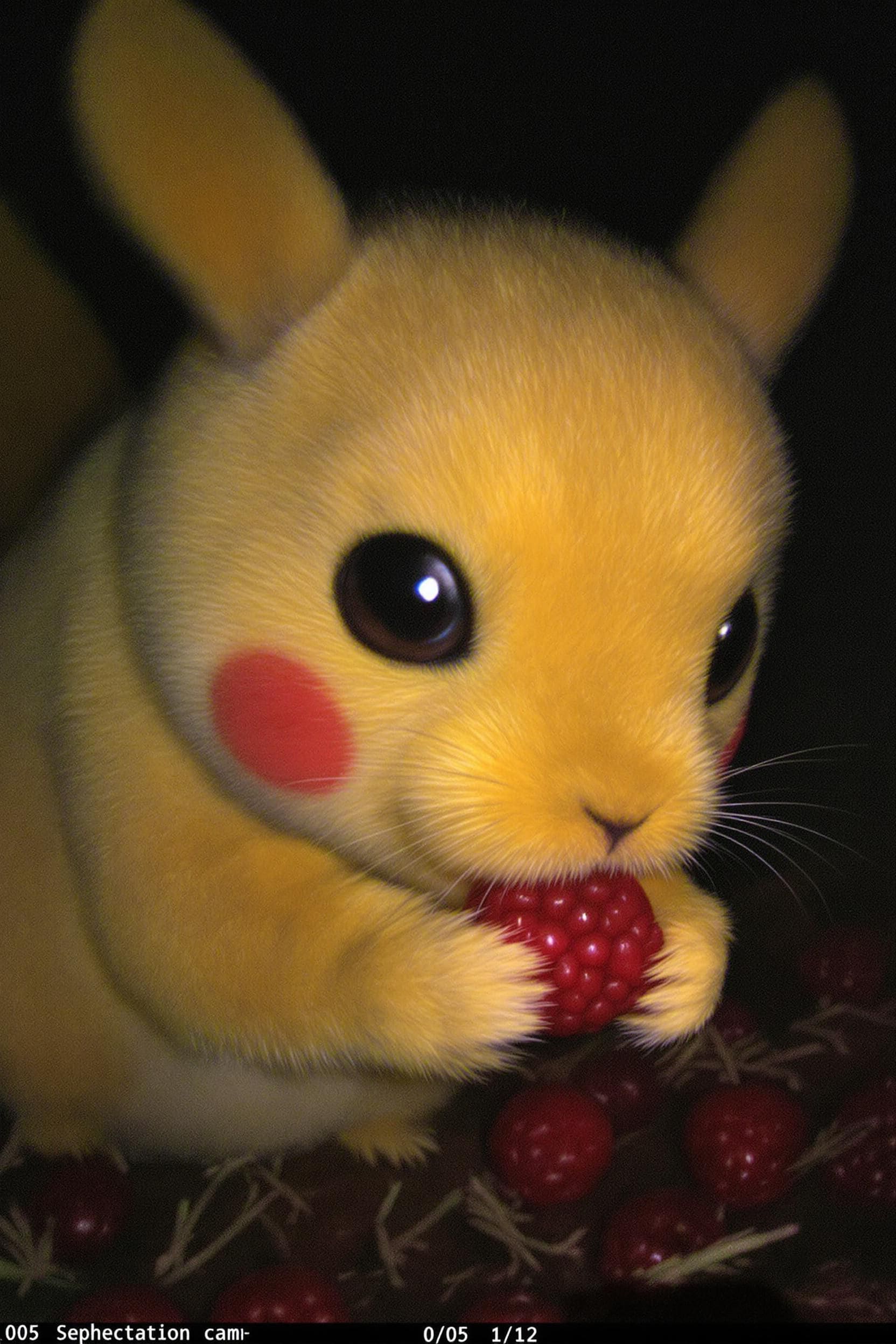
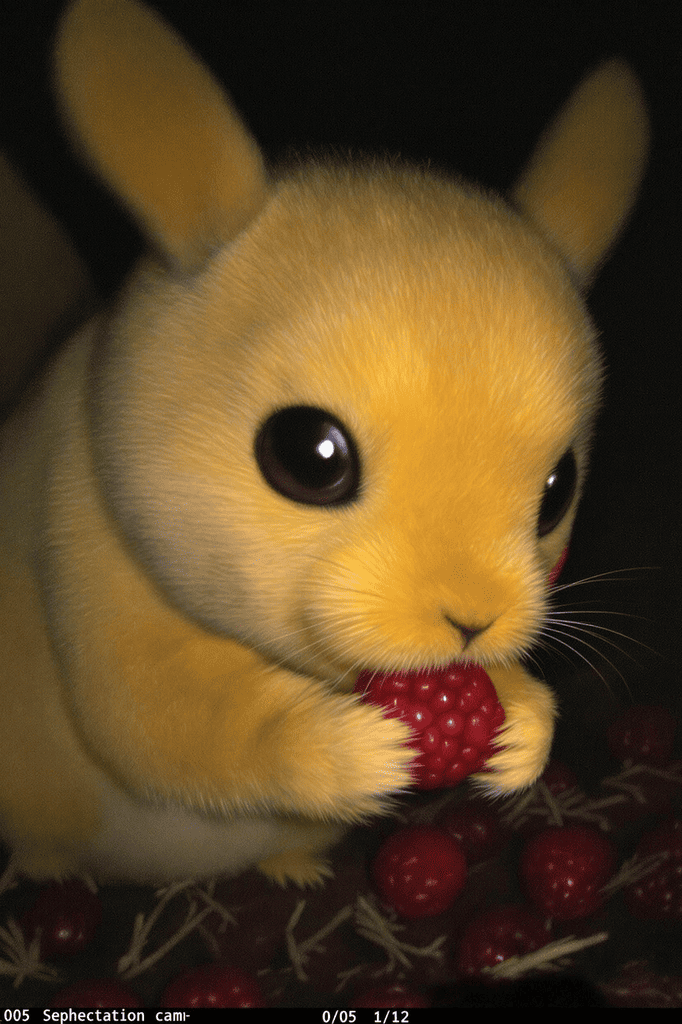
Before & after: object removal
Left: original photo. Right: result after inpainting the masked region. Lighting and texture follow the original scene.
Models for removal and touch-ups
Main engine plus quick fixes in one workspace.
Why remove objects from photos
Clean up frames without spending hours in Photoshop.
Mask + inpaint
Paint the region — the model fills it using surrounding pixels, shadows and texture.
Marketplace ready
Remove cables, reflections or stray props for a studio-like hero image.
People & background
Erase passers-by, cars or clutter without breaking perspective.
Text & stickers
Edit areas only where you have the rights to change the content.
Credits
Pay per run with credits; welcome bonus on first sign-in.
In the browser
Upload PNG or JPEG and download the result — no desktop editor required.
Popular use cases
Where teams use object removal most.
Product cards
Remove stands, wires or hot-shoe glare so the SKU looks studio-shot.
Real estate
Hide personal items for a showing or small defects on a marketing photo.
Social content
Tidy a busy street background without reshooting stories.
Ads & layouts
Drop distracting elements while keeping a consistent creative line.
Portfolio
Align a series of frames to one visual standard.
Post-production
Fix a single frame when a reshoot is impossible.
FAQ
Frequently asked questions
About object removal in creator-ai.
Do I need an account?
How is this different from background removal?
Which file formats are supported?
Will details around the mask look natural?
Can I remove someone else’s watermark?
How much does a run cost?
Is my upload safe?
Remove objects from photos online
Paint over what you do not need — the model rebuilds the scene behind it. Great for product shots, street photos and social posts. Uses Bria Eraser inside creator-ai.