
AI Anime
Photo to anime and anime to realism — AI generator online
Upload a photo — get an anime portrait or a photorealistic version. Manga, cyberpunk, cosplay, avatars in seconds.
from 5,8 ₽ per image
Anime portrait examples
See how a real photo turns into an anime character in different styles — from neon to soft romance.
Why creator-ai
Photo to anime online — no artist needed
Anime portraits from your photo and prompt in seconds: manga, cyberpunk, shoujo.
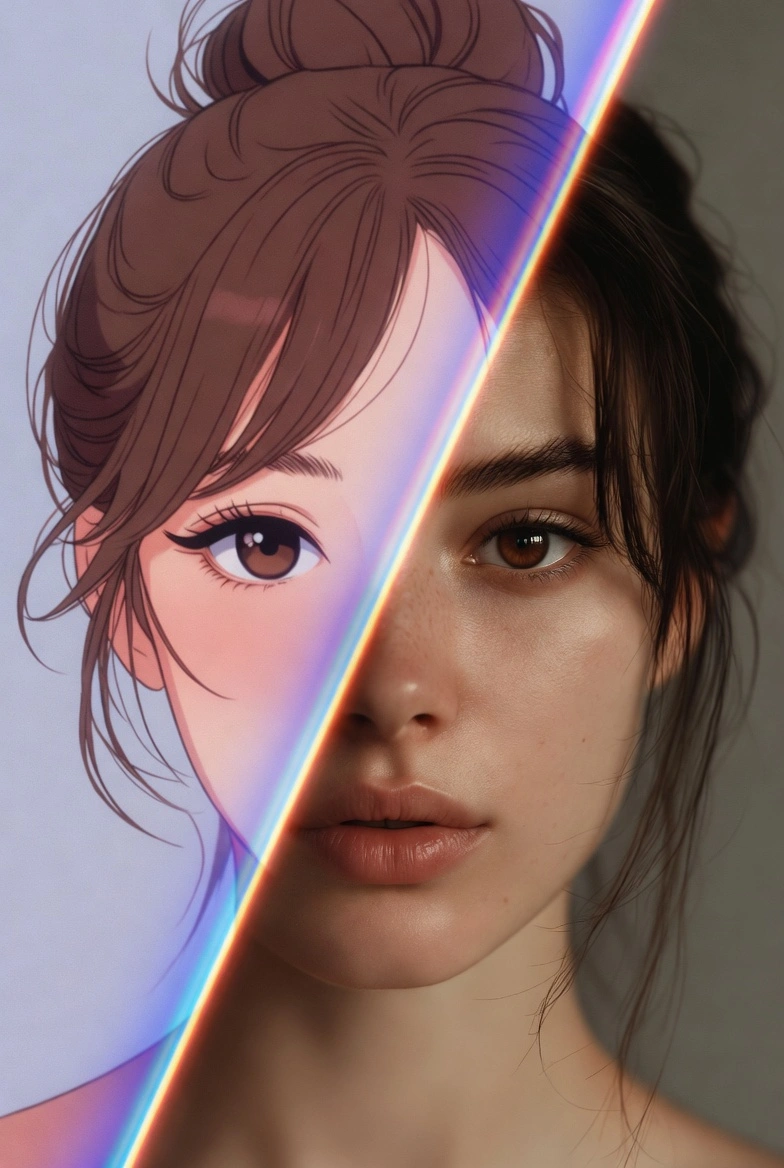
Anime → realistic portrait
Turn 2D art and anime frames into ultra-realistic portraits while keeping emotions, composition and character.
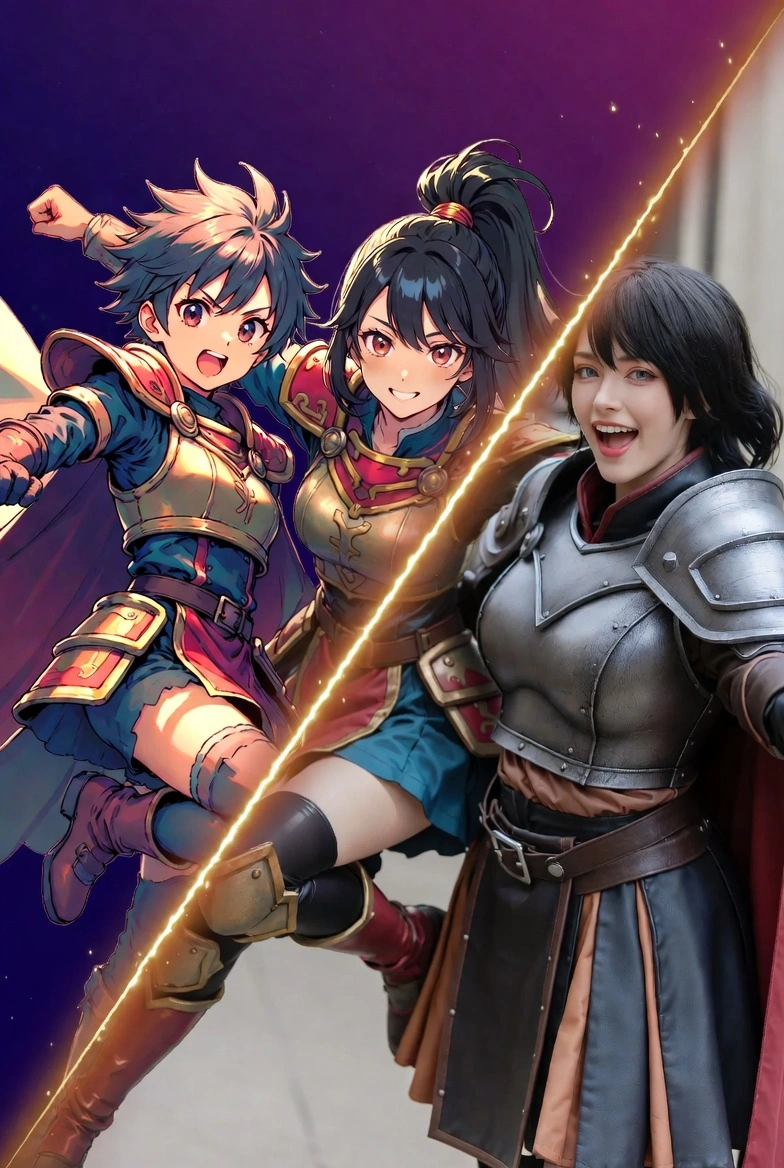
Perfect for cosplay and avatars
Ready references for cosplay, social profiles, Twitch/YouTube — in seconds, no artists needed.
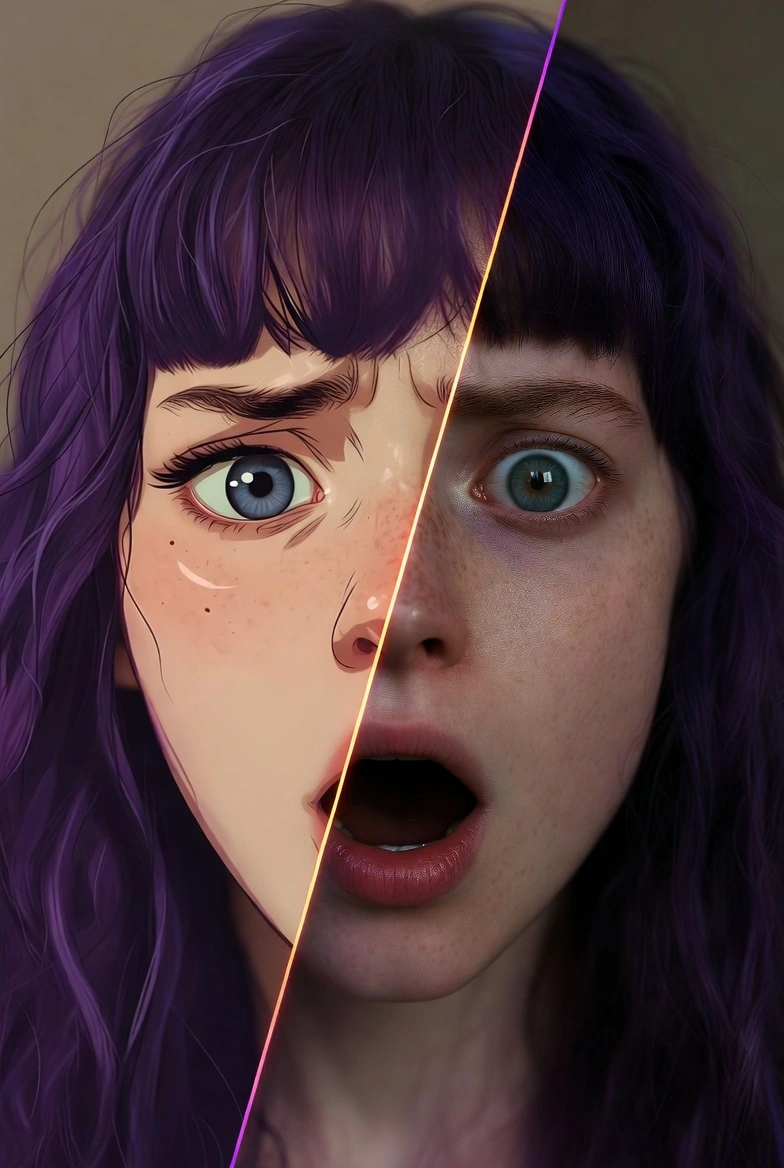
Keeps character and emotions
Transfers key facial features, hairstyle, gaze and vibe — you always recognize yourself or the hero in realism.
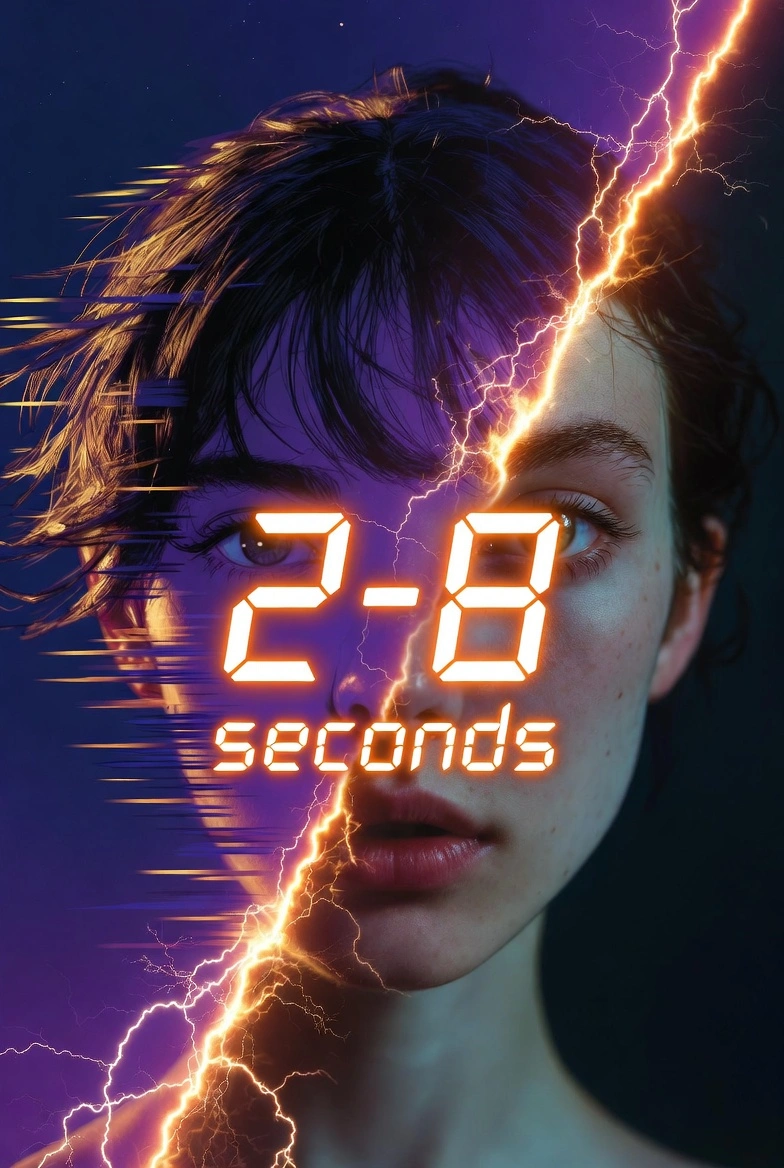
Generation in 2–8 seconds
Lightning speed with no queues — most portraits are ready instantly.
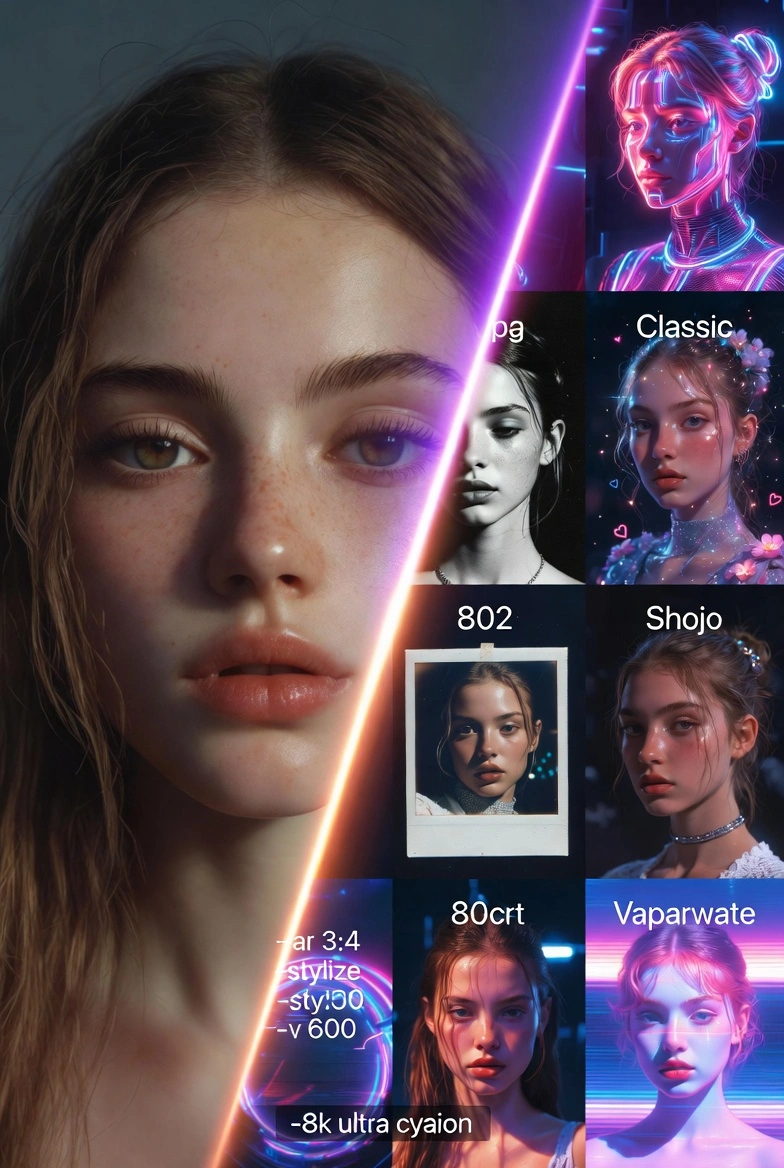
15+ styles in one click
Neon, cyberpunk, manga, shoujo, retro photo, studio light and more — presets or your own prompt.
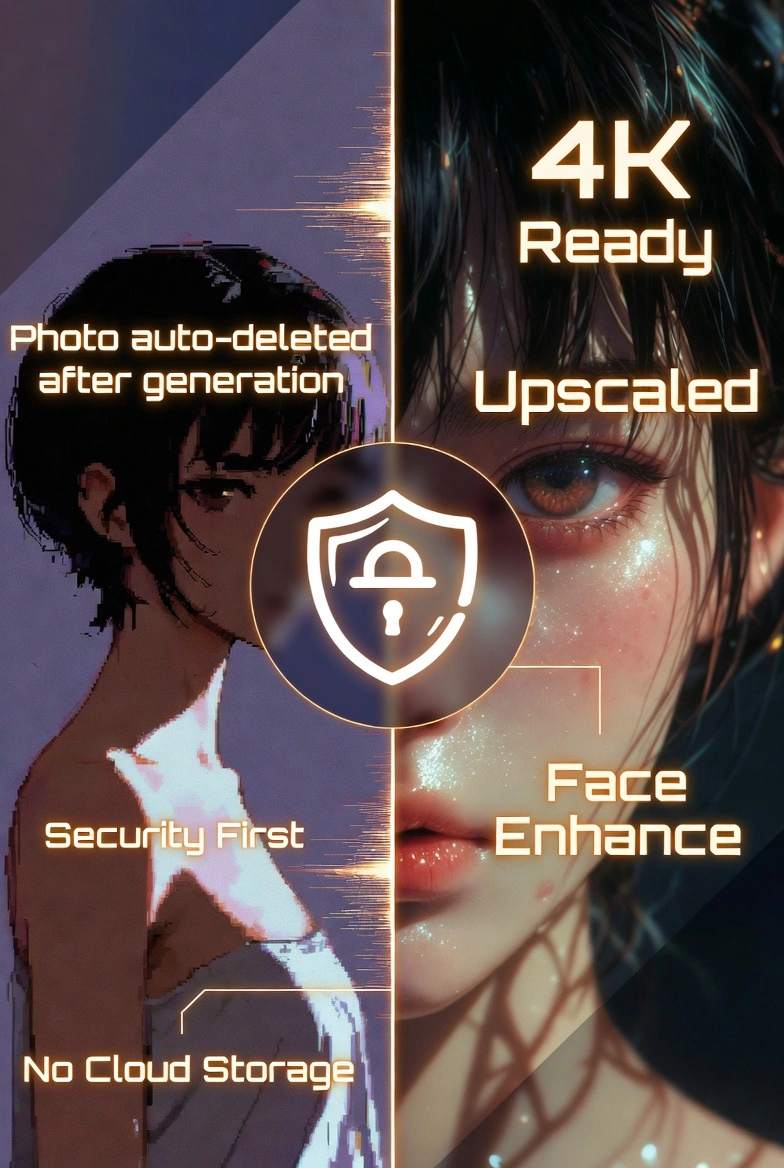
4K quality + full privacy
High resolution, upscale, face enhance. Photos are deleted right after generation — security first.
FAQ
FAQ: photo to anime and anime to realism
Answers on registration, credits, photo safety, anime-to-real conversion, cosplay and avatars.
Do I need to register?
How do I get welcome credits?
Is it safe to upload my photos?
Can I choose a specific anime style?
Is the result suitable for avatars in social networks and games?
Can I change the background or add effects?
Do I need to link a bank card?
Does anime to real generation work?
Can I upload plain anime screenshots or fanart?
How closely does the realistic result match the original character?
Is this good for realistic avatars and cosplay references?
How to use photo to anime and anime to realism
Photo to anime generation in creator-ai takes a few seconds: upload a selfie or portrait, optionally describe the style (manga, cyberpunk, shoujo) — the AI creates an anime portrait. To convert anime to realism, upload an anime screenshot, fanart or your OC: the model produces a photorealistic version with natural skin, lighting and character preserved.
The service suits cosplay, social and streaming avatars, and references for makeup and framing. Most portraits are ready in 2–8 seconds with no queues. High resolution and upscale are supported; photos can be deleted right after generation — security first.
In short:
- Photo to anime: upload a photo, optionally add style in the prompt.
- Anime to realism: upload an anime frame or art — get a photorealistic portrait.
- Speed: 2–8 seconds, quality up to 4K, data is not kept longer than needed.
Also: AI avatars, Text to image.
Photo to anime and anime to realism — AI generator online
Upload a photo — get an anime portrait or a photorealistic version. Manga, cyberpunk, cosplay, avatars in seconds.